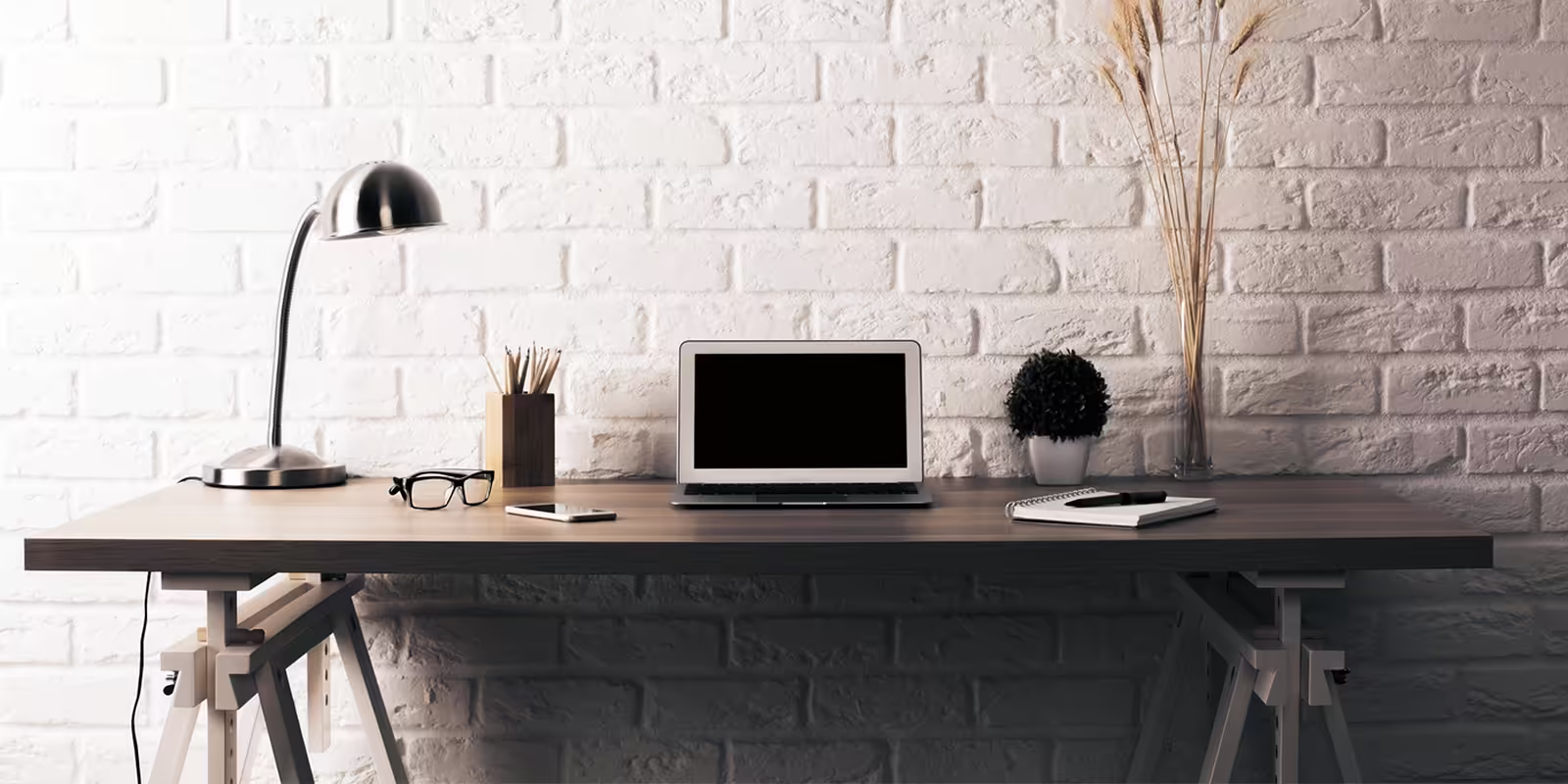
Your environment affects how you think, feel, and work. That’s why creating a productivity-friendly workspace is one of the best things you can do to improve focus, reduce stress, and get more done—whether at home or in the office.
Here’s how to design a workspace that works for you.
1. Choose the Right Location
If you’re working from home, find a quiet, low-traffic area away from distractions. Avoid bedrooms or high-noise zones if possible. Even a corner with a proper setup can do wonders if it’s dedicated to work.
2. Invest in Ergonomic Furniture
Comfort fuels productivity. Use an adjustable chair with back support and a desk at the right height. Your screen should be at eye level, and your wrists should rest comfortably when typing.
Standing desks or desk converters can help with posture and energy levels during long work sessions.
3. Control Lighting
Natural light boosts mood and alertness. Position your desk near a window if you can. Supplement with soft, adjustable lighting to avoid glare and eye strain.
Use a desk lamp with warm LED lighting for late-night sessions.
4. Eliminate Clutter
Clutter distracts the mind. Keep your desk clear and organized. Use trays, drawers, or digital tools to keep papers, devices, and cords out of the way.
A minimalist space often leads to a clearer mind.
5. Optimize for Focus
Set up your workspace for deep work:
- Use noise-canceling headphones
- Add a white noise machine if necessary
- Place your phone out of sight
- Use productivity apps like Pomodoro timers or task boards
Every small improvement helps your brain stay in work mode longer.
6. Personalize Your Space
Add a personal touch to your space to keep it inspiring. Consider:
- A motivational quote or print
- A small plant for freshness
- Family photos or artwork
Just don’t overdo it—too much decoration becomes distraction.
7. Use Proper Tech and Tools
Make sure your workspace includes:
- High-speed internet
- A reliable computer or laptop
- External monitors for multitasking
- A quality webcam and mic for virtual meetings
Smooth tech minimizes frustration and helps you stay productive.
8. Create Boundaries
If you share space with others, make it clear when you’re working. Use visual signals (like a sign or door indicator) to let others know you’re in focus mode.
This reduces interruptions and sets the tone for professional output—even at home.
9. Consider Air and Temperature
Fresh air and the right temperature matter. Keep your workspace well-ventilated. Ideal working temperatures range between 20°C and 24°C (68–75°F).
A small fan or heater can make your space more comfortable without relying on full-room changes.
10. Maintain It Regularly
Revisit your setup monthly. Clean surfaces, re-evaluate furniture comfort, update your digital tools, and make improvements as your needs change.
A productivity-friendly workspace evolves with you.
Final Thoughts
Designing a productivity-friendly workspace doesn’t require a big budget—just smart choices. Focus on comfort, clarity, and function. The better your workspace feels, the better your output will be.